
Passport & Visa
Photo Maker Online
Create and check your passport or visa photo online for supported US and the UK applications. Upload your photo and PassportPhotosAI checks its size, head position, background, lighting and framing, then prepares your photo for download.
Drag & drop your photo or
JPG, PNG, WebP, AVIF or HEIC · up to 10 MB
Free to check · $7.99 only if you download
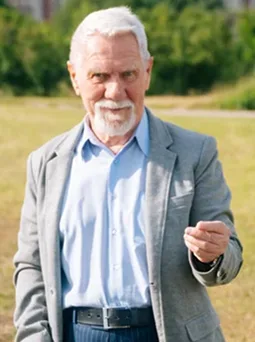
Casual selfie
Head tilted · shadows
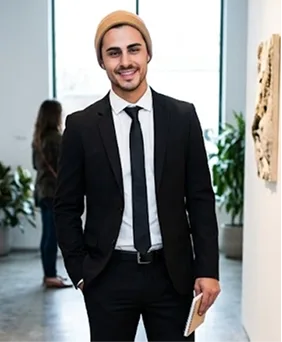
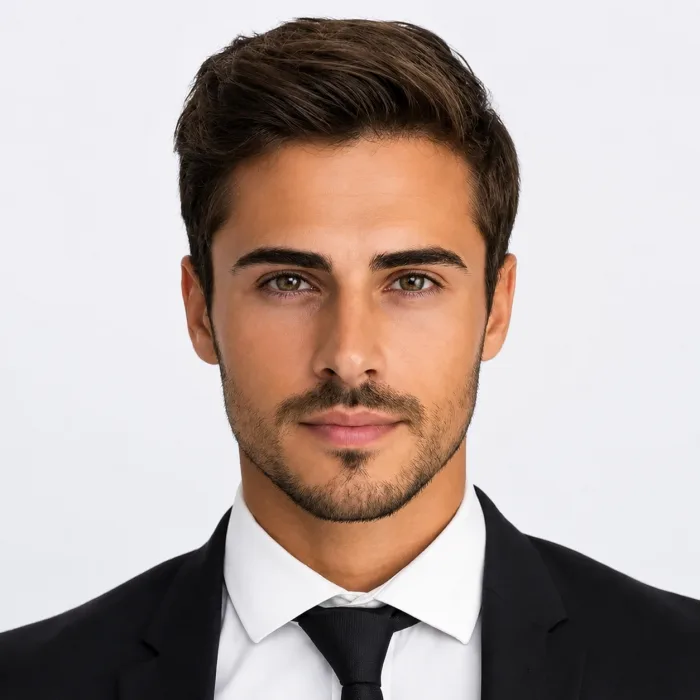
Casual selfie
Wrong size · busy background
Scroll toErase, Enhance & Crop
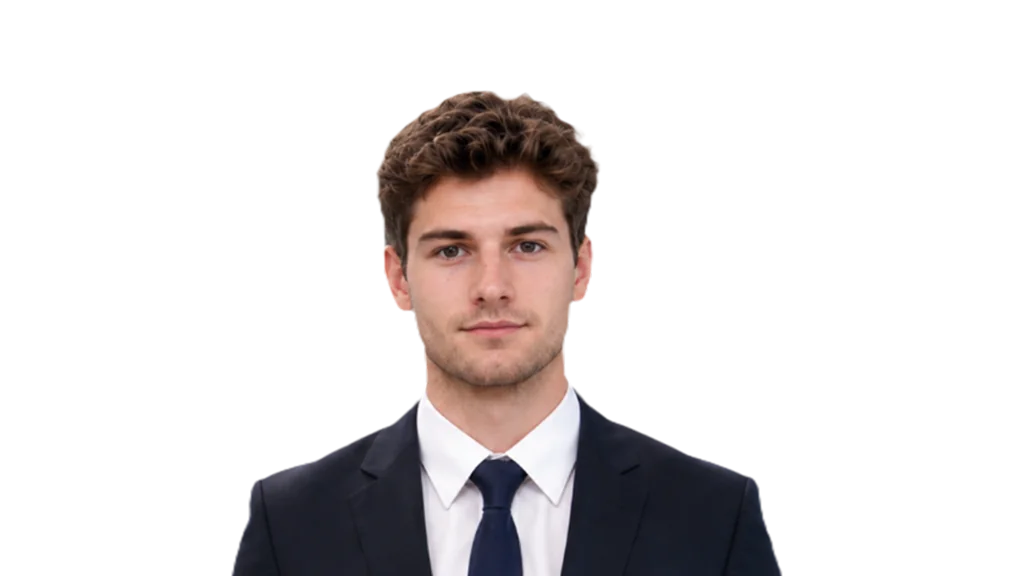
AI removes the backdrop, adds the right background, enhances and crops to spec — then drops it into any country’s passport or visa.
How It Works
Three steps, and the check runs before you pay for anything.

1Upload Your Photo Take a new photo following the guidance for your document, or upload a photo you already have.
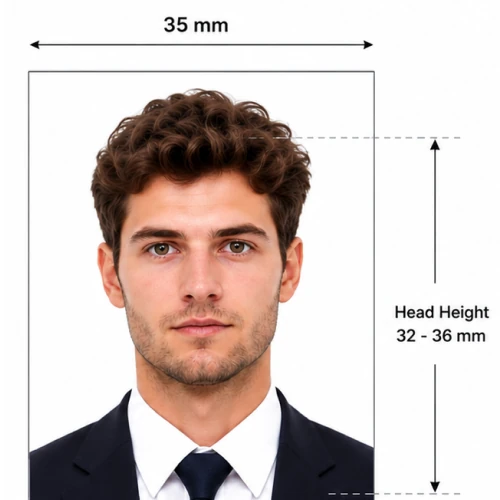
2AI Checks Your Photo The AI checks your photo against the requirements for your selected document, including size, head position, background, lighting and framing. You'll see any issues it detects before you continue.
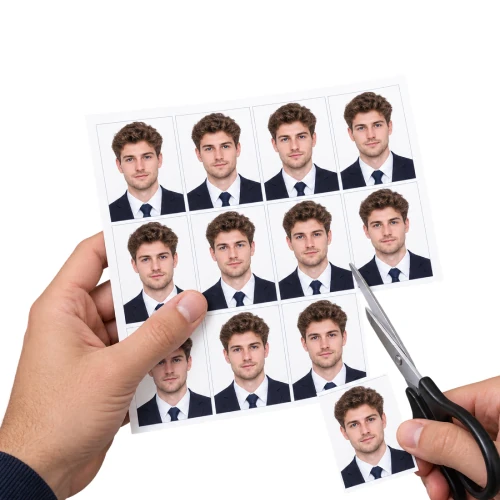
3Review, Then Download Review your results and preview before paying. If you're happy with the result, download the prepared file for your application.
Get the Right Photo for Your Application
Photo requirements depend on the country, document and application method. Choose your application so PassportPhotosAI can run the appropriate checks.
Create and check your photo for a US passport application based on current U.S. Department of State photo requirements.
Create and prepare a digital photo for your US visa application, including checks for applicable DS-160 photo requirements.
Create and check your photo for a UK passport application based on applicable HM Passport Office photo requirements.
Create and check your photo for supported UK visa and immigration applications.
What PassportPhotosAI Checks
- Size & Dimensions
Checks the dimensions and proportions required for your selected document.
- Head Position & Size
Checks whether your face and head are positioned within the required range.
- Background
Checks background colour, contrast and visible distractions.
- Framing
Checks whether your face and head are positioned correctly within the image.
- Lighting & Shadows
Flags lighting and shadow issues that may affect compliance.
- Image Quality
Checks factors such as focus, resolution and image clarity.
Check First. Pay Only When You Download.
Upload your photo and run the check before purchasing anything. Review your results and preview your prepared photo, then decide whether you want to download the final file.
Passing every check does not guarantee acceptance. The relevant passport, visa or immigration authority makes the final decision, but the results can help you identify potential issues before submitting your photo.
Frequently Asked Questions
What is an AI passport photo maker?
An AI passport photo maker helps you prepare a photo for a passport or visa application. PassportPhotosAI checks your uploaded photo against applicable requirements such as dimensions, head position, framing, background, lighting and image quality, and prepares the photo for download.
Is it free to check my photo?
Yes. You can upload your photo and run the check before purchasing anything. You only pay if you choose to download the prepared file.
Can I take my own passport photo at home?
For many applications, yes. Follow the photo rules for your specific document, including requirements for background, lighting, expression and positioning. Avoid filters, retouching or other changes that the issuing authority does not allow.
Does PassportPhotosAI change my appearance?
No. PassportPhotosAI does not retouch facial features or change your appearance. This is important because passport and visa authorities may restrict digital alterations to submitted photos.
What should I do if my photo doesn't pass?
If the check flags an issue such as poor lighting, incorrect positioning or an unsuitable background, follow the guidance shown and retake the photo when necessary. Avoid filters or editing tools that make changes prohibited by the authority handling your application.
Does passing the AI check guarantee my photo will be accepted?
No. PassportPhotosAI can identify potential issues based on the requirements it checks, but the relevant government, passport or visa authority makes the final decision.
Check Your Photo Before You Apply
Choose your document, upload your photo and check its size, positioning, background, lighting and framing before submitting your application.
Check My Photo